Build stations from your library
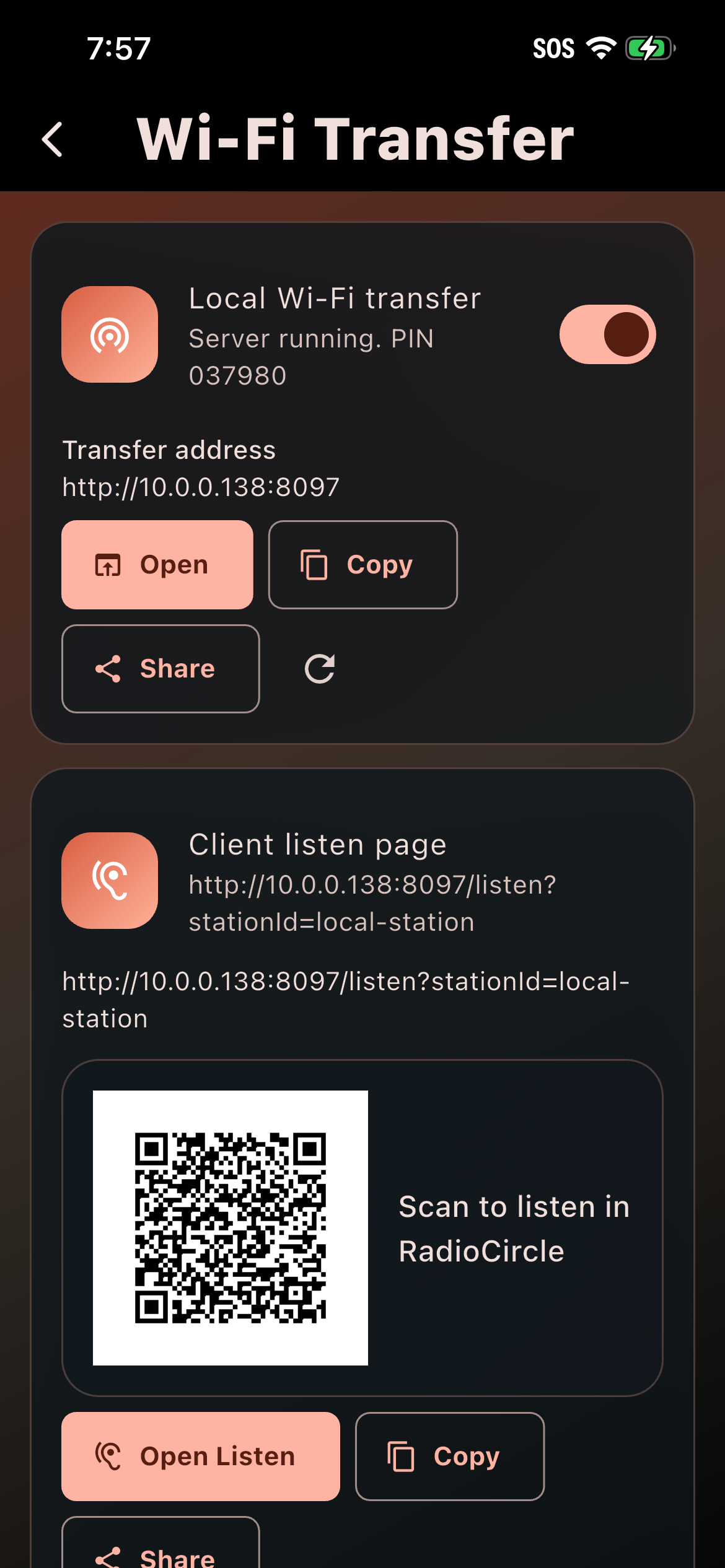
Make stations for moods, favorites, languages, workouts, late nights, or any moment you want to give a soundtrack.
01Turn the songs already on your device into a living, personal radio experience — with smart queues, Live Assist, quotes, station breaks, and nearby listening when you want it.
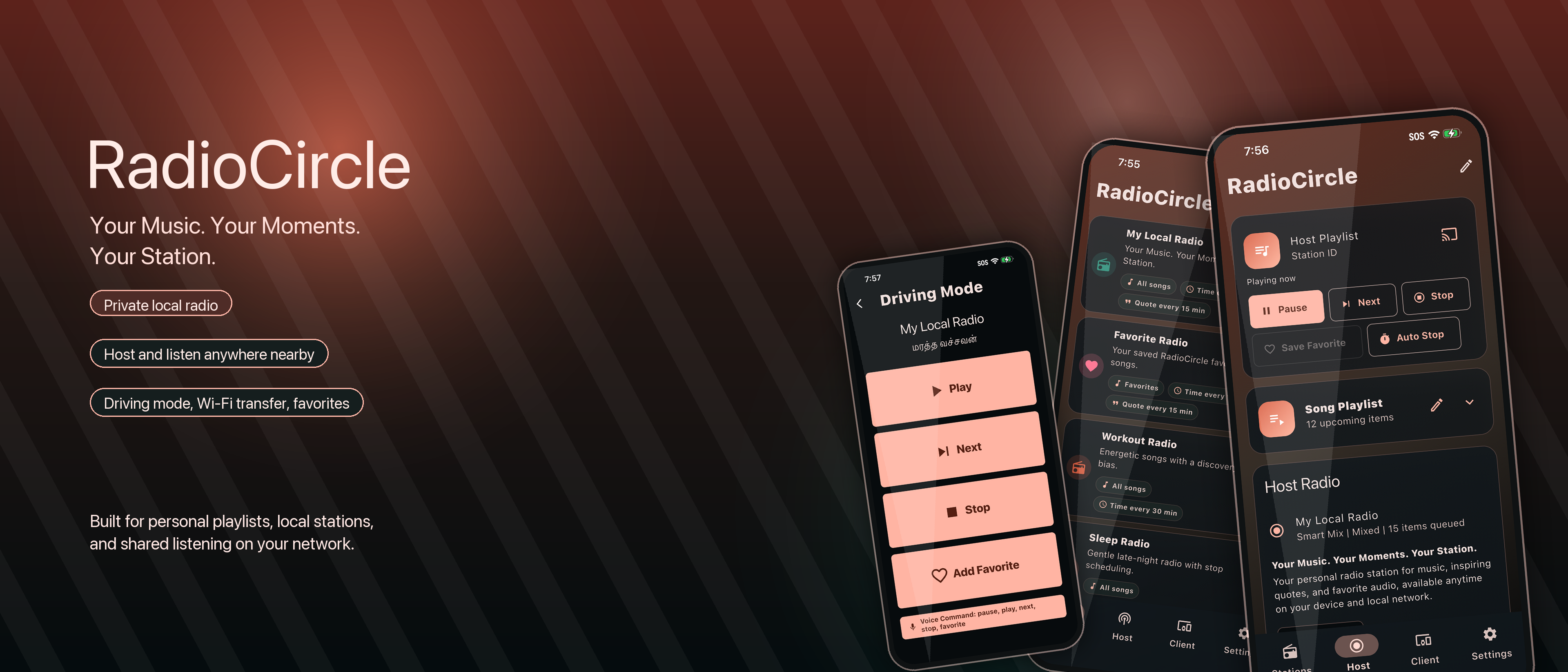
A different kind of player
OpenKind Radio is for the songs you already own. Create stations for the moments you care about, let the queue find its rhythm, and add the small touches that make listening feel like radio.
Feature highlights
A local-first listening experience with the convenience of a modern player and the character of a station made for you.
Make stations for moods, favorites, languages, workouts, late nights, or any moment you want to give a soundtrack.
01Weighted selection, repeat protection, discovery bias, favorites, and least-played tracks keep the next song feeling right.
02Add time checks, station IDs, quotes of the day, reminders, song intros, and short breaks between songs.
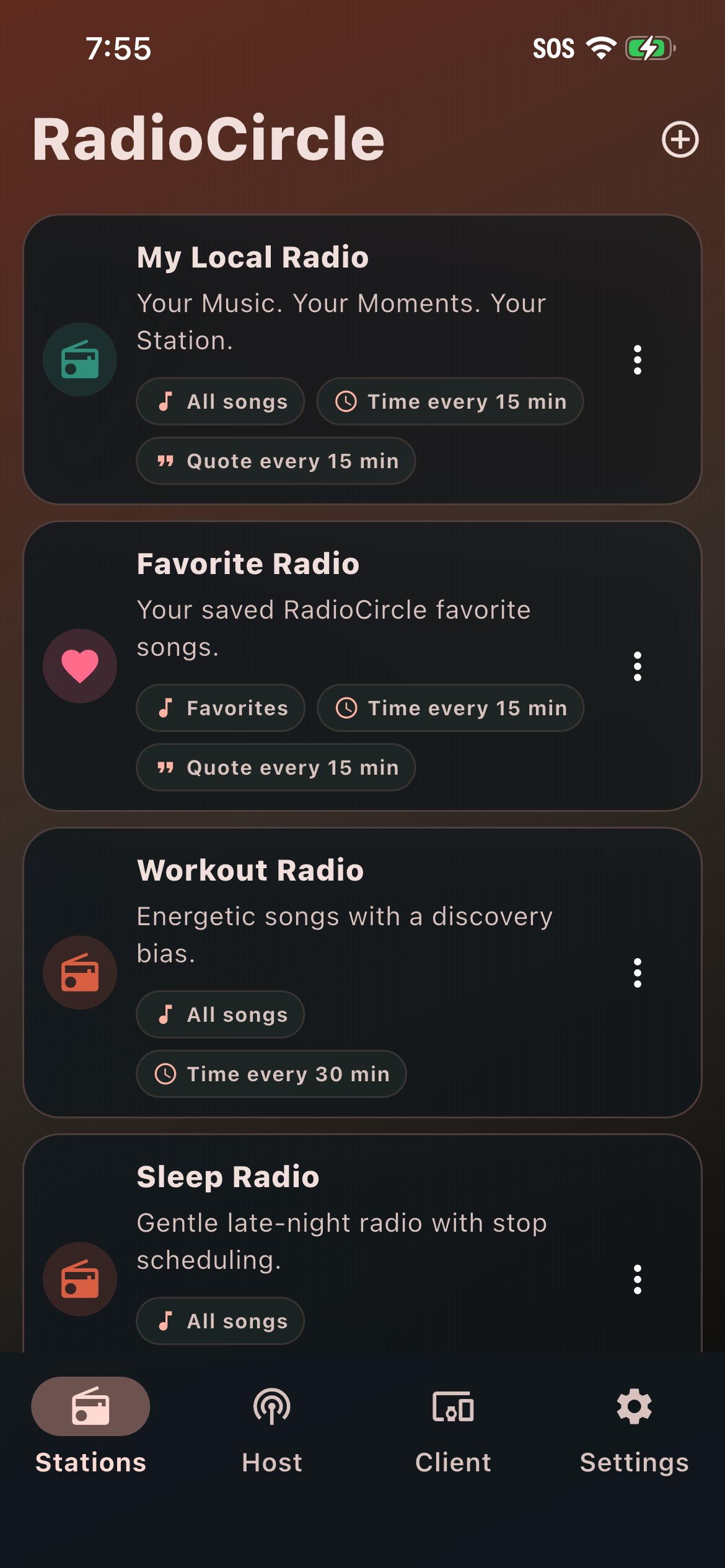
03Start a local station, share a Listen Link or QR code, and let people on your Wi‑Fi join when you choose.
04Use the browser transfer page to add files, manage folders, and keep your collection close without a cloud drive or cable.
05Favorites, driving mode, background playback, media controls, schedules, sleep timers, crossfade, and a stable local PIN.
06Live Assist
Live Assist puts the best parts of radio at your fingertips while a station is playing. Add a little structure, personality, or surprise without breaking the flow.
Play Station ID, Time Check, Quote, or Break now.
Add a quote by hand or import a CSV/TXT collection.
Record your host voice, then voice-over, play full speech, or insert it next.
Add songs, skip, pause, stop, favorite, schedule, cast, or auto-stop.
Designed for real life
From the car to the kitchen to the quiet end of the day, OpenKind Radio gives your own music a little more motion — without ads, feeds, or a streaming account.
Find your station →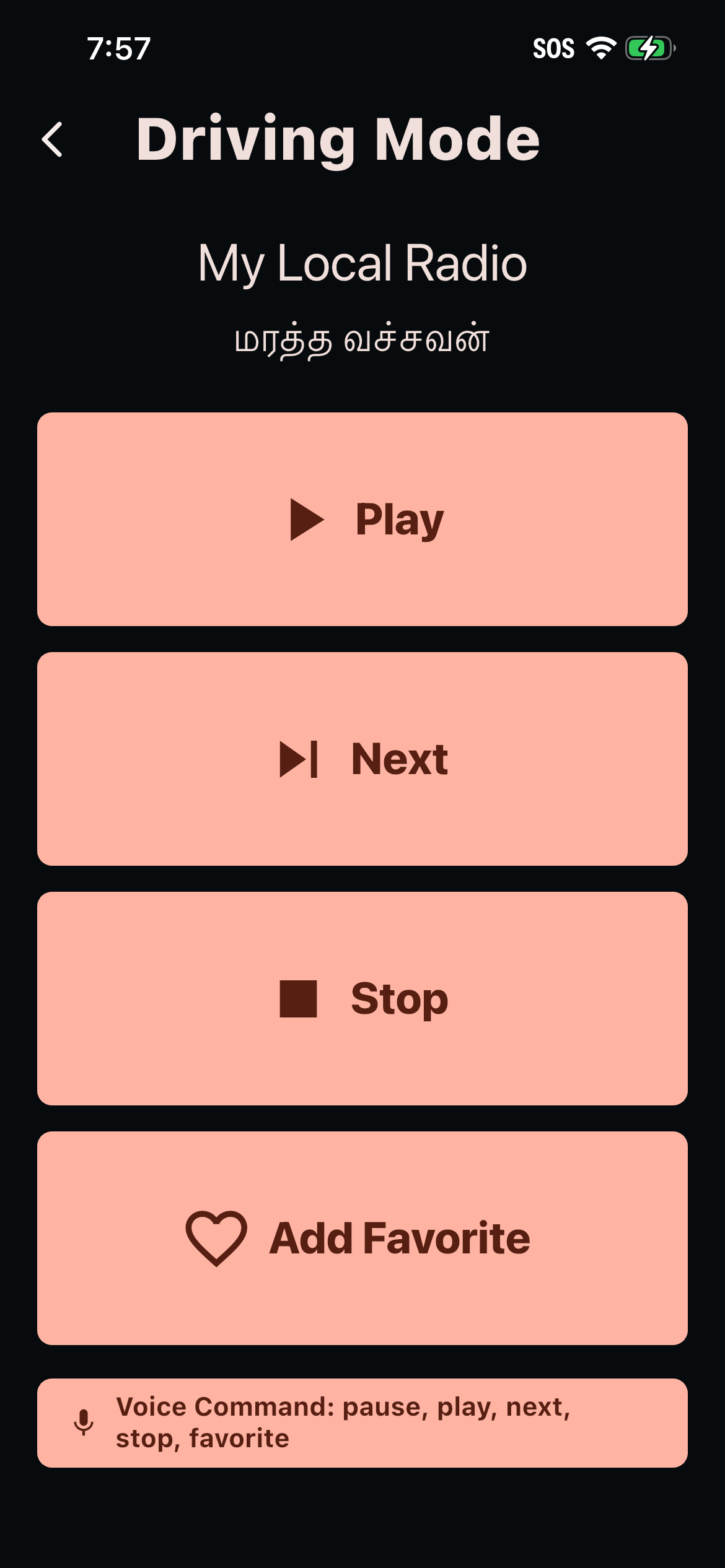
A calm setup
The core flow stays simple: choose your music, give the station a shape, then let it play.
Start with My Local Radio, Favorites, Workout Radio, Sleep Radio, Driving Radio, or create your own preset.
Pick songs, folders, moods, favorites, variety, timing, quotes, announcements, language, voice, and stop schedules.
Play privately, host on your local network, or join a nearby station with a shared link, browser player, or QR code.
Use background playback, volume ducking, crossfade, casting, Android Auto, AirPlay, and media controls when the music leaves your hand.
Download OpenKind Radio
Install the app where it is available, or follow the project while the remaining builds are prepared. The same local-first experience is coming to iOS, Android, macOS, Windows, and Linux.
Built in the open
Tell us what would make local radio more useful, more personal, or more fun.